

The modern workplace is experiencing a rapid shift in how we approach accessibility, driven largely by the rise of artificial intelligence. For neurodivergent employees—particularly those managing ADHD, dyslexia, or executive functioning challenges—AI voice recorders and transcription tools are no longer just convenient gadgets; they are essential cognitive prosthetics.
However, this surge in AI adoption has created a significant friction point. Employees need these tools to capture and process information effectively, while Human Resources (HR) and IT departments are increasingly blocking them to protect corporate data, trade secrets, and client privacy.
Navigating an AI voice recorder ADA workplace accommodation request requires balancing an employee's legal right to accessibility with an employer's mandate for data security. This guide breaks down the legal frameworks, the practical steps for approval, and the hardware solutions that bridge the gap between accessibility and IT compliance.
Quick Answer: Are AI Voice Recorders Covered Under the ADA?
Yes, AI voice recorders and transcription tools can qualify as "reasonable accommodations" under the Americans with Disabilities Act (ADA) for individuals with cognitive, auditory, or physical disabilities.
However, there is a critical legal nuance: While the ADA protects an employee's right to an effective accommodation, it does not guarantee the right to a specific preferred device or software program. Employers maintain the right to vet any requested tool for security and privacy risks according to the EEOC Enforcement Guidance on Reasonable Accommodation and Undue Hardship under the ADA.
As disability advocate Rachel Maislin notes: "Accommodations do not replace a person's ability to do a job... It is there to support and ensure that your health-related condition or disability is not preventing you from being productive or doing the job."
The Accommodation Feasibility Matrix
| Accommodation Type | Primary Benefit | HR/IT Security Risk Level | Typical ADA Status |
|---|---|---|---|
| Traditional Digital Recorder | Local audio capture, no cloud storage. | Low (No network access) | Highly feasible; rarely denied. |
| Enterprise-Approved AI (e.g., Teams/Zoom AI) | Built-in summaries, pre-vetted security. | Low (Already licensed) | Highly feasible; preferred first step. |
| Third-Party AI Cloud Apps (e.g., Otter, Fireflies) | Real-time transcription, automated meeting bots. | High (Data sent to external servers) | Subject to denial if security policies are violated. |
| Dedicated Hardware AI Recorders (e.g., UMEVO Note Plus) | Local physical control, vibration conduction, optional cloud processing. | Medium (Bypasses software blocks; requires data policy review) | Highly effective compromise for hybrid/in-person roles. |
Why Employees Need AI Recorders (ADHD, Dyslexia, and Executive Function)
Workplace accommodations have historically focused on physical accessibility, but cognitive and neurodivergent needs are equally protected. The Job Accommodation Network (AskJAN) officially recognizes "recording meetings" and "assistive technology tools" as standard accommodations for executive functioning deficits.

- Executive Dysfunction & Working Memory: Conditions like ADHD can make it incredibly difficult to simultaneously listen, process complex information, and write coherent notes during fast-paced meetings. AI transcription offloads the burden of working memory, allowing the employee to remain present and engaged in the conversation.
- Dyslexia and Written Processing: For employees who struggle with written language processing but excel in verbal comprehension, real-time transcription levels the playing field. You can learn more about how these tools support reading and writing challenges in our guide on Dyslexia and the workplace: AI voice recorders.
- Visual and Auditory Dual-Processing: Modern assistive technologies often highlight text as it is transcribed or read aloud. This dual-sensory input reinforces comprehension for individuals with auditory processing disorders.
- The "Task Breakdown" Benefit: Much like AI tools that break down overwhelming chores into granular checklists (e.g., Goblin Tools' "Magic ToDo"), AI meeting summaries act as cognitive prosthetics. They convert hours of unstructured, overwhelming audio into structured, actionable steps, reducing executive overload, in line with resource guides from the U.S. Department of Labor.
The Core Conflict: Accessibility Needs vs. Corporate Data Security
The primary reason accommodation requests for AI tools fail is not a lack of empathy from HR, but a hard block from IT. Understanding this conflict is essential for finding a workable solution.
Why IT and HR Say "No"
Many popular software-based AI note-takers operate as "bots" that must be invited to digital meeting rooms. These bots record audio and transmit it to external, third-party cloud servers for processing. For organizations handling proprietary trade secrets, defense contracts, or protected health information, transmitting unvetted data to a third-party server is a severe security vulnerability.
The Software Permission Block vs. Hardware Control
Corporate networks often actively block unauthorized software applications or browser extensions. This leaves employees without their required accommodations.
Physical hardware recorders offer a middle ground. Unlike software bots that integrate directly into a company's digital infrastructure, a physical device records local audio directly. This gives the user physical control over when recording starts and stops, preventing accidental recordings of sensitive side-conversations and keeping the initial data capture offline.
The Security vs. Accessibility Trade-Off Matrix
| Feature | Software AI Bots (Cloud Apps) | Physical AI Hardware Recorders |
|---|---|---|
| Data Storage Location | Direct to third-party cloud. | Local device storage first; cloud optional. |
| Network Permissions | Requires IT whitelisting/integration. | Operates independently of corporate networks. |
| Risk of Accidental Recording | High (Bots auto-join calendar events). | Low (Requires physical button press). |
| Ease of IT Auditing | Difficult (Data lives off-site). | Easier (Device can be physically audited). |
Understanding the ADA "Interactive Process"
The ADA requires a collaborative "interactive process" between the employee and the employer to find a suitable accommodation. Here is how to navigate it effectively:

-
Step 1: Initiating the Request (The "Symptoms over Diagnosis" Hack)
Employees often fear disclosing their medical conditions. Under EEOC procedures for reasonable accommodations, you do not need to disclose your specific medical diagnosis to HR. You only need to provide medical documentation validating your functional limitations. Instead of stating, "I have ADHD," you can state, "I have a medical condition that affects my short-term memory during meetings, and I require a transcription tool to perform my duties." -
Step 2: The Collaborative Review (Leverage Built-In AI First)
Before requesting an unvetted third-party app, check if your organization already licenses enterprise-grade tools with built-in AI features (such as Microsoft Copilot in Teams or Zoom AI Companion). IT is much more likely to approve a tool they already manage. -
Step 3: Implementation and Trial Periods
If a new tool is required, propose a 30- to 90-day trial period. This allows the employee to test the tool's effectiveness while giving IT time to monitor security compliance.
When Can an Employer Legally Deny an AI Recorder?
It is vital to manage expectations: the ADA does not grant employees a blank check to use any software they want. Employers have legal boundaries they can enforce.
- The Definition of Undue Hardship: An employer is not required to provide an accommodation if it causes "significant difficulty or expense." In the modern workplace, introducing a severe data security vulnerability or violating client confidentiality agreements constitutes an undue hardship according to the EEOC ADA guidance.
- The "Effectiveness vs. Preference" Rule: Under EEOC guidance, if an employee requests a specific AI transcription app, the employer is not legally obligated to provide that exact tool. If the requested app is deemed a security risk, the employer must offer an alternative, effective accommodation. This could be a secure offline digital recorder, enterprise-approved software, or a human note-taker.
Beware of weak online advice claiming employers must allow any AI tool an employee requests. Corporate data governance policies are legally valid grounds for restricting specific software.
Navigating State Consent and Wiretap Laws
Federal ADA law does not override state criminal or civil recording laws. This is a critical risk area for employees and employers alike.

- One-Party vs. All-Party Consent: Depending on your jurisdiction, recording laws vary wildly. In "one-party consent" states, you can legally record a conversation you are part of without notifying others. However, in "all-party consent" (or two-party consent) states, recording a meeting without the explicit consent of everyone present is a legal violation.
- The Data Privacy "Gotcha": Secretly recording meetings—even if intended purely as an ADA accommodation—can result in immediate termination for violating company policy or state law. Consent must always be established transparently through the interactive process. To examine how institutions navigate these policies, consult resources such as the Harvard University Audio Recording Policy. Always consult HR or legal counsel regarding your local jurisdiction's laws.
Why Hardware Matters: The UMEVO Note Plus Advantage
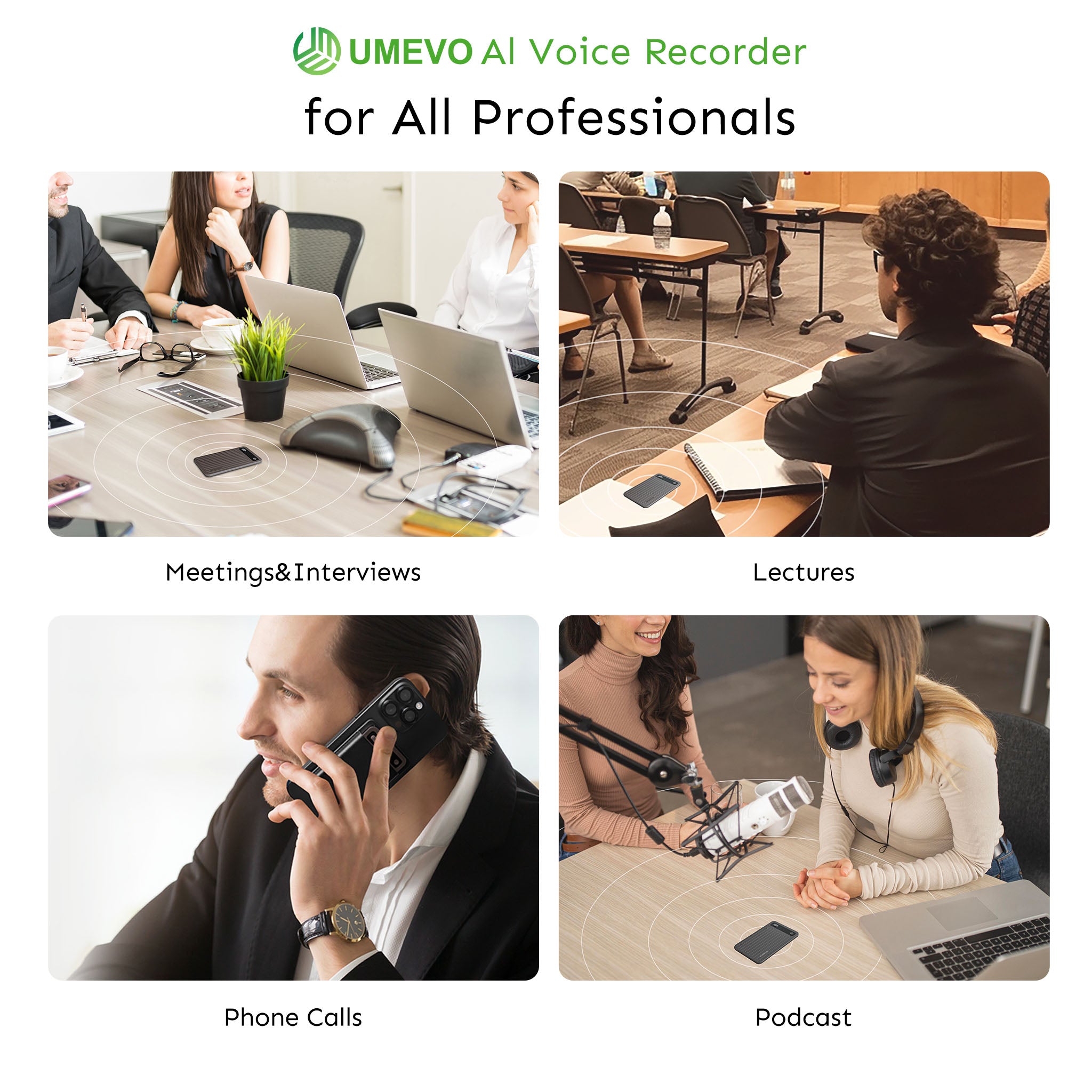
When IT departments block cloud-based software bots, employees need an alternative that provides the same cognitive support without triggering network security alarms. This is where dedicated hardware solutions like the UMEVO Note Plus become a strategic compromise.
📺 Using AI for Accommodations & Navigating Disclosure at Work

Bypassing Software Blocks with Vibration Conduction
The UMEVO Note Plus attaches magnetically (MagSafe compatible) to the back of a smartphone. It utilizes a unique vibration conduction sensor specifically designed to capture phone calls directly from the phone's chassis. This physical recording method bypasses the need for software recording permissions or intrusive app installations, solving a major IT hurdle for employees who need to record mobile conversations.
Physical Hardware Controls for Consent Compliance
To support compliance with state consent laws and company policies, the device features a physical "One-Press Switch." Users can instantly toggle between "Call Recording" (vibration-based) and "Note Recording" (standard air-conduction for in-person meetings). This physical control prevents the accidental recordings common with automated software bots.

Local Storage as a Security Buffer
Unlike apps that stream audio directly to the cloud in real-time, the UMEVO Note Plus features a massive 64GB of built-in storage. This allows employees to capture up to 40 hours of continuous audio locally. Users can secure the raw data offline before deciding when and how to sync it for AI processing, providing a crucial buffer for IT security policies.
Advanced AI Intelligence and Cost Leadership
Powered by ChatGPT integration, the companion software goes beyond simple text. It generates structured Meeting Minutes, Mind Maps, and dialogue-style transcripts with Speaker Identification across 140+ languages.
Furthermore, UMEVO offers exceptional cost leadership. Users receive 1 year of free, unlimited AI transcription on the Max Plan. After the first year, users retain a generous free tier of 400 minutes per month, with affordable pay-as-you-go top-ups (e.g., $0.59 for 120 mins). This eliminates the forced, expensive monthly subscriptions that often make software accommodations cost-prohibitive.
Learn more about how physical devices support cognitive needs in our guide on UMEVO Note Plus as assistive technology.
Final Checklist for HR and DEI Leads
To evaluate AI voice recorder requests fairly and securely, follow this framework:
- Identify the Functional Limitation: Focus on the employee's cognitive or physical barriers (e.g., note-taking speed, auditory processing) rather than demanding a specific medical diagnosis.
- Audit Existing Enterprise Tools: Determine if currently licensed software (e.g., Microsoft 365, Zoom) has built-in, IT-approved transcription features that can resolve the barrier.
- Evaluate Data Security Risks: Assess where the requested AI tool stores data. Does it upload proprietary data to a public cloud, or does it offer local storage and physical controls?
- Establish a Recording Policy Agreement: Create a clear, signed agreement outlining when the employee is permitted to record (excluding highly confidential HR meetings) and requiring them to obtain verbal consent in all-party consent states.
- Implement a Trial Period: Approve the hardware or software tool for a 30- to 90-day trial period to evaluate its effectiveness and monitor compliance with company data policies.
Frequently Asked Questions
Is recording meetings a reasonable accommodation?
Yes, recording meetings is widely recognized by the EEOC and AskJAN as a reasonable accommodation for individuals with documented cognitive, memory, learning, or auditory processing disabilities, provided it does not compromise corporate data security or violate state wiretap laws.
Can a manager say you can't transcribe 1-on-1 meetings?
Yes. A manager or employer can restrict the recording of sensitive 1-on-1 meetings (such as performance reviews or proprietary strategy sessions) if they believe recording would inhibit open communication or risk leaking confidential HR data. However, if recording is denied, the employer must work with the employee to provide an alternative, effective accommodation (e.g., providing written summaries of the meeting immediately afterward).
What are alternatives if an AI recorder is denied due to security?
If third-party AI cloud apps are blocked by IT, effective alternatives include using enterprise-approved internal transcription tools, utilizing a dedicated hardware recorder with local storage (like the UMEVO Note Plus) for offline capture, designating a peer note-taker, or requesting that meeting hosts record sessions natively via secure corporate accounts.
References
- Enforcement Guidance on Reasonable Accommodation and Undue Hardship under the ADA — U.S. Equal Employment Opportunity Commission (EEOC)
- Policy Guidance on Executive Order 13164: Establishing Procedures to Facilitate the Provision of Reasonable Accommodation — U.S. Equal Employment Opportunity Commission (EEOC)
- Accommodations for Employees with Mental Health Conditions — U.S. Department of Labor (DOL)
- Audio Recording Accommodation — Harvard University Disability Access Office





0 comments