

For geriatric caregivers, families, and nursing facility staff, medical appointments are often a high-stakes balancing act. On one hand, you want to hold your loved one’s hand, maintain eye contact, and provide emotional support during stressful consultations. On the other, you are desperately trying to scribble down complex medication adjustments, physical therapy routines, and specialist referrals.
This constant battle between emotional presence and administrative paperwork leads to caregiver burnout and, worse, lost medical instructions. Today, AI voice recorders are emerging as a vital tool for elderly care patient documentation. By automating the note-taking process, these devices allow caregivers to focus entirely on the patient.
This guide explores how to navigate the legalities of recording in care settings, why dedicated hardware outperforms smartphone apps, and how to implement this technology ethically and effectively.
The Caregiver’s Dilemma: Presence vs. Paperwork
The cognitive load of managing an aging parent's or a resident's healthcare is immense. During a standard 15-minute geriatric consultation, a doctor might adjust blood pressure medication, recommend a new dietary restriction, and outline signs of cognitive decline to watch for. Trying to capture all of this manually distracts from the human element of caregiving.
In clinical settings, the gold standard for medical notes is known as the "5 C's": Clear, Concise, Complete, Contemporary (Chronological), and Consecutive. While family caregivers are not licensed medical scribes, striving for this level of organization is crucial for managing chronic conditions. AI transcription serves as a modern, secure alternative to the traditional, overflowing physical medical binder, helping families achieve professional-grade documentation without the stress.
AI voice recorders in elderly care bridge the gap between active caregiving and accurate medical documentation, allowing families and staff to focus on the patient rather than the paperwork.
To understand how assistive technology improves overall care dynamics, you can read more about How AI voice recorders aid accessibility.

The Caregiver's Documentation Decision Matrix
Use this framework to decide when to rely on memory, manual notes, or an AI voice recorder:
| Care Scenario | Recommended Method | Why? |
|---|---|---|
| Routine Daily Check-ins (e.g., asking about sleep or mood) | Memory / Brief Manual Note | Low complexity; recording is unnecessary and may feel intrusive to the patient. |
| Standard Vitals Tracking (e.g., daily blood pressure) | Manual Log / App Tracker | Data is purely numerical; voice recording offers little added value. |
| Primary Care / Specialist Consultations | AI Voice Recorder | High complexity; captures exact medication dosages, specialist advice, and follow-up instructions while allowing the caregiver to remain emotionally present. |
| Telehealth / Phone Appointments | AI Voice Recorder (Hardware) | Captures both sides of the conversation accurately, ensuring remote instructions are not lost. |
Navigating the Legalities: HIPAA, Consent, and Care Facilities
Introducing recording devices into healthcare and assisted living environments requires careful navigation of privacy laws and ethical boundaries.
While family caregivers are not legally bound by HIPAA in the same manner as healthcare providers, securing explicit consent from all parties remains an ethical and legal necessity in most jurisdictions.
The HIPAA Question
The Health Insurance Portability and Accountability Act (HIPAA) strictly regulates how "covered entities"—such as doctors, hospitals, and nursing homes—handle Protected Health Information (PHI). Private family caregivers recording a visit for their own personal records are generally not bound by HIPAA. However, treating recorded medical data with the utmost security and privacy is a critical best practice.
Consent Laws
Recording laws vary significantly by jurisdiction. Some regions operate under "one-party consent," while others require "two-party" or "all-party" consent. Because giving definitive legal advice is impossible for every location, the safest and most ethical approach is universal: always obtain explicit, verbal consent from the physician, the patient, and any staff members present before pressing record.
Dementia and Proxy Consent
Recording conversations becomes complex when a patient suffers from cognitive decline or dementia and lacks the capacity to consent. In these cases, the decision typically falls to the individual holding the healthcare Power of Attorney (POA) or the legal guardian. Always consult with legal counsel or facility administration to ensure you are acting within your rights as a proxy.
Facility-Specific Policies
Assisted living facilities and nursing homes often have strict internal policies regarding electronic recording devices. These rules are designed to protect the privacy of other residents and staff members. Always consult facility administration and review their specific electronic monitoring guidelines before using any recording device on the premises.
Apps vs. Dedicated Hardware: The Reliability Gap
Many caregivers initially try to use standard smartphone voice memo apps or AI transcription software on their phones. However, in high-stakes medical environments, relying solely on a smartphone introduces significant risks.
Dedicated hardware voice recorders eliminate the risk of app crashes during incoming calls, ensuring that critical medical instructions during telehealth or in-person visits are captured without interruption.
The App Interruption Risk
Standard smartphone apps are vulnerable to interruptions. If you are recording a critical doctor's visit on your phone and an incoming call, alarm, or notification arrives, the recording app will often pause or crash. This "App Interruption Risk" can result in the permanent loss of vital medical instructions. Dedicated hardware operates independently of your phone's operating system, ensuring continuous capture.

The Cost Trap
Many popular AI transcription apps trap users in expensive monthly subscriptions, often charging $15 to $30 per month just to access basic transcription and summarization features. For families already burdened by the high costs of elder care, this "Cost Trap" is unsustainable.
Telehealth Limitations
With the rise of remote care, many appointments happen over the phone. Modern mobile operating systems (like iOS and Android) strictly block native apps from recording internal call audio for privacy reasons. A standard app cannot clearly capture the doctor's voice on the other end of the line.
To learn more about how hardware solutions support those with auditory challenges during these calls, see our AI voice recorder for hearing loss guide 2026.
Comparison: Smartphone Apps vs. Dedicated Hardware
| Feature | Smartphone AI Apps | Dedicated AI Hardware |
|---|---|---|
| Interruption Vulnerability | High (Stops during incoming calls/alarms) | None (Records independently) |
| Telehealth Call Recording | Blocked by OS (Cannot record internal audio) | Supported (Via vibration conduction or speakerphone) |
| Battery Drain | High (Drains phone battery rapidly) | Low (Independent battery, often 30+ hours) |
| Long-Term Cost | High ($15–$30/month subscriptions) | Low (One-time hardware cost + generous free tiers) |
Addressing the Gaps: Why Traditional AI Scribe Advice Falls Short
If you search for AI medical scribes, you will find many generic tools claiming to be perfect for healthcare. However, real-world geriatric care exposes their flaws:
- The Diarization Illusion: Many AI tools claim flawless speaker separation (diarization). In reality, elderly patients may have soft, raspy, or hesitant voices, and clinical rooms often have background noise from medical equipment. Generic AI frequently struggles here, misattributing a patient's symptom description to the caregiver.
- The "Mind Map" Gimmick: Some apps generate visual "Mind Maps" of conversations. While visually interesting, a chaotic web of bubbles is practically useless for tracking chronological medical instructions or medication schedules. Structured, text-based summaries are mandatory.
- The Feature Paywall: Competitors often lock essential, medical-specific templates (like SOAP notes) behind premium paywalls, forcing caregivers to pay extra for the exact formatting they need.
📺 This AI Recorder Makes Bold Promises. I Tested Them All.
UMEVO Note Plus: The Compassionate Hardware Solution for Elder Care
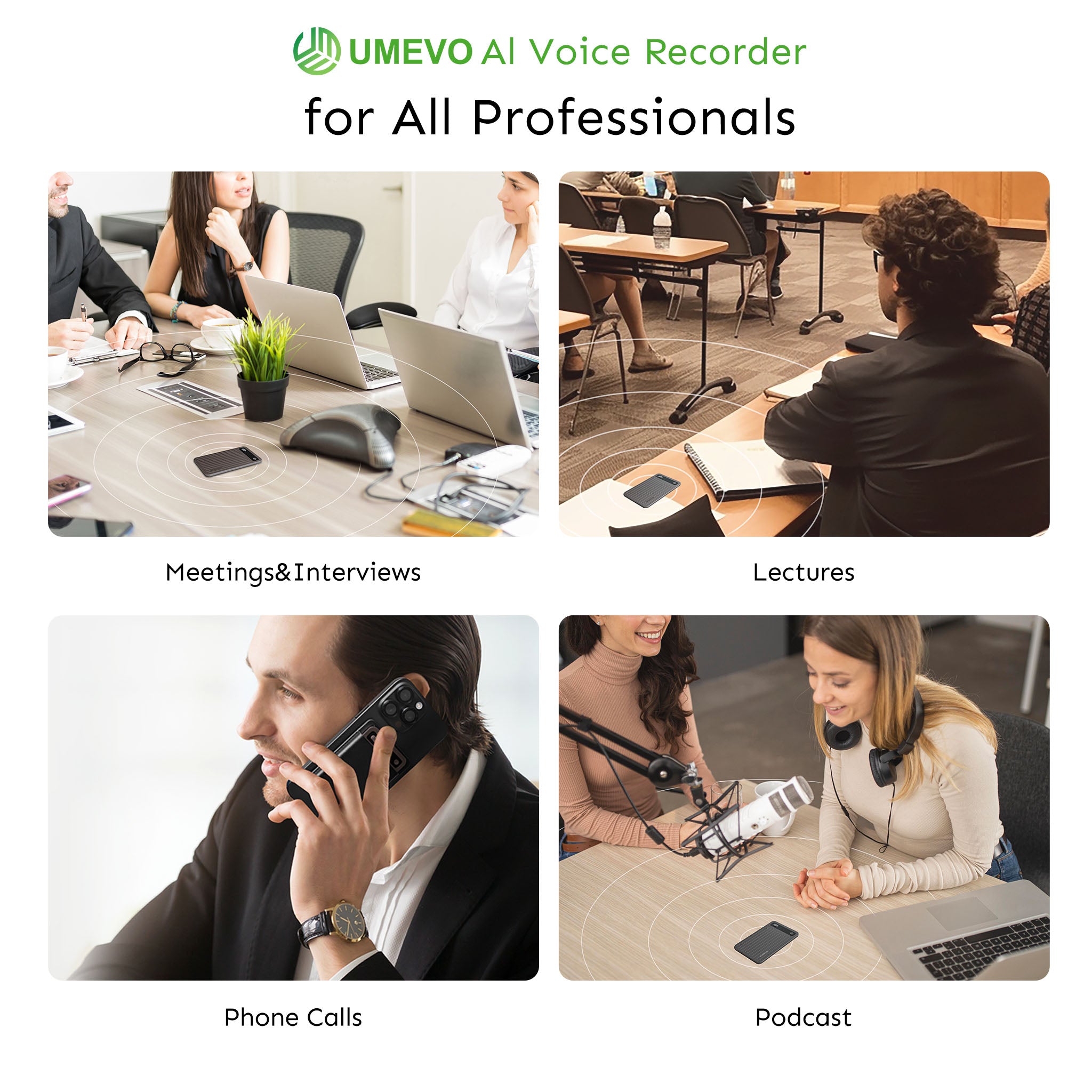
To solve the specific pain points of geriatric documentation, caregivers need a tool that is reliable, unobtrusive, and cost-effective. The UMEVO Note Plus is engineered specifically to bridge the gap between hardware reliability and advanced AI summarization.
1. Exceptional Value (Beating the Cost Trap)
Unlike competitors that require immediate, expensive subscriptions, UMEVO offers 1 year of free, unlimited AI transcription (Max Plan). After the first year, users still receive a highly generous free tier of 400 minutes per month. If more time is needed, affordable top-ups are available at just $0.59 for 120 minutes, ensuring families are never locked into predatory subscriptions.
2. Dual-Mode Recording & Telehealth Mastery
The UMEVO Note Plus features a MagSafe-compatible design that snaps to the back of your smartphone. It utilizes a unique vibration conduction sensor to capture phone calls directly from the phone's chassis, bypassing OS-level software recording blocks (note: using speakerphone yields the best dual-sided clarity). A physical One-Press Switch allows caregivers to instantly toggle between "Call Recording" (for telehealth) and "Note Recording" (for in-person doctor visits) without fumbling with a screen.

3. ChatGPT-Powered Intelligence & Medical Templates
Powered by advanced ChatGPT integration, the device supports transcription and translation in 140+ languages—ideal for families whose primary language differs from their physician's. More importantly, the companion app goes beyond generic summaries by offering structured templates, including SOAP Medical Records, Consultation Records, and Rehabilitation Therapy Session Summaries.
4. Flagship Hardware Specifications
Designed to be completely unobtrusive during sensitive medical visits, the device is ultra-slim at just 0.12 inches thick and weighs a mere 1.06 oz. Despite its size, it boasts an ultra-long battery life offering 40 hours of continuous recording and 60 days of standby time. With 64GB of built-in storage, it holds significantly more audio than traditional 4GB or 8GB recorders.

Best Practices for Implementing AI Recording in Senior Care
Using an AI voice recorder effectively requires a blend of technical preparation and human empathy. Follow this compassionate recording checklist:

Phase 1: Pre-Visit Preparation
- Check the Hardware: Ensure your device is charged and has sufficient storage. If using the UMEVO Note Plus, set the physical switch to "Note Recording" for an in-person visit.
- Secure Consent: Politely ask for permission before the appointment begins. Example script: "Doctor, I want to make sure I don't miss any of your instructions for my mother's care today. Do you mind if I record this session for our personal notes?"
Phase 2: During the Visit
- Positioning: Place the recorder on a table between the doctor and the patient, free from obstructions like rustling papers or loud medical machinery.
- Be Present: Once the device is recording, put it out of your mind. Focus on making eye contact, holding your loved one's hand, and asking clarifying questions.
Phase 3: Post-Visit Workflow
- Generate the Summary: Sync the audio to your app and select a structured medical template (like a Consultation Record).
- Review and Correct: AI is a tool, not a doctor. Always review the transcript to correct any misheard medical terminology or speaker misattributions (diarization errors) before relying on the notes.
- Secure Storage: Once the summary is verified and saved securely, delete the raw audio file from the device to protect the patient's privacy.
Frequently Asked Questions (FAQ)
Is recording a patient's voice a HIPAA violation?
HIPAA applies specifically to "covered entities" like healthcare providers, hospitals, and insurance companies. Family caregivers recording for personal use are generally not bound by HIPAA. However, privacy should always be respected, and explicit consent should be obtained.
Can patients or families secretly record healthcare providers?
Covert recording carries significant legal and ethical risks. Recording laws vary by jurisdiction (one-party vs. two-party consent states). The universally recommended best practice is to always ask for open, verbal consent from the provider before recording.
What are the "5 C's" of medical record documentation, and how does AI help?
The 5 C's stand for Clear, Concise, Complete, Contemporary, and Consecutive. AI helps caregivers achieve this by automatically capturing complete, chronological transcripts and condensing them into clear, concise summaries, ensuring no detail is missed.
How do I handle recording if my aging parent has dementia and cannot consent?
If a patient lacks the cognitive capacity to consent, the decision generally falls to their legally appointed healthcare proxy, legal guardian, or the individual holding the Power of Attorney (POA). Always consult with facility administration or legal counsel to ensure compliance with local laws.
How much does the UMEVO Note Plus AI transcription service cost after the free year?
After the first year of free, unlimited Max Plan AI transcription, users transition to a generous free tier of 400 minutes per month. If you need more time, affordable top-up options are available at just $0.59 for 120 minutes, with no lock-in subscriptions.
References
- Improving Clinical Documentation with Artificial Intelligence — National Center for Biotechnology Information (PMC)
- Guidance Audio Visual Recording — Yale University
- Assisted Living: Guidance for the use of Electronic Recording — Wisconsin Department of Health Services
- Advance Care Planning: Advance Directives for Health Care — National Institute on Aging (NIH)





0 comments