

Digital voice recorders preserve lecture audio and automate study notes better than smartphone apps. A 90-minute lecture often triggers "stenographer overload," where students race to write everything down and miss the professor's actual context. A dedicated AI recorder captures the full lecture, converts it into searchable text, summarizes key points, and generates visual mind maps. This guide examines the student study workflow, the true cost of AI transcription, classroom recording etiquette, and the practical limitations of hardware recorders so you can decide if this system fits your campus routine.
The Problem With Phone-Based Lecture Recording

Smartphone recording apps drain battery life, suffer from weak microphone pickup in large lecture halls, and risk interruption from incoming calls. Dedicated hardware recorders solve these issues by separating audio capture from your primary communication device.
Why Manual Note-Taking Bottlenecks Learning
Trying to transcribe a lecture manually prevents students from processing the information being taught. When cognitive load is entirely consumed by writing down the current slide, students miss the verbal context that connects concepts. Consequently, manual notes often become fragmented outlines rather than cohesive study materials.
What Phone Recording Apps Cannot Handle Well
Relying on a smartphone for lecture capture introduces three distinct points of failure. First, continuous audio recording drains phone batteries rapidly, often failing before a full day of classes concludes. Second, incoming calls, alarms, or low-storage notifications immediately halt the recording process. Third, internal smartphone microphones are calibrated for near-field speech during phone calls; they lack the sensitivity required to capture a professor speaking from a podium 50 feet away in an acoustically reflective lecture hall.
What a Dedicated Lecture Recorder Adds
Purpose-built hardware eliminates the friction of smartphone capture. For example, the UMEVO Note Plus features 64GB of internal storage, which holds approximately 400 hours of audio. It operates on a 40-hour continuous recording battery and maintains a 60-day standby time[2].
In visual stress tests, we observed that its ultra-slim 0.12-inch profile is roughly equivalent to two or three stacked credit cards, yet the chassis remains highly rigid and resists bending under thumb pressure. Weighing just 1.06 oz (30g), it utilizes a physical dual-mode switch to toggle instantly between NOTE Mode (for room capture) and CALL Mode (for phone capture).

Decision Aid: Phone Recording Apps vs. Dedicated AI Recorder
| Factor | Phone Recording App | Dedicated AI Recorder |
|---|---|---|
| Battery Life | Drains primary device battery; rarely survives a full schedule. | 40-hour continuous recording battery operates independently. |
| Audio Pickup | Optimized for near-field speech. | Room microphones designed for distant, in-person recording. |
| Interruptions | Calls and notifications stop recordings. | No SIM card or notifications; physical record button ensures continuous capture. |
| Storage Capacity | Competes with photos, apps, and OS updates. | 64GB internal storage dedicated solely to audio files. |
The Student Study Workflow: From Lecture Audio to Study Notes
An effective study workflow moves from passive audio capture to active revision. This involves recording the lecture, syncing the file to generate a transcript, and exporting AI-generated summaries and mind maps for exam preparation.
Before Class: Set Up the Recorder Correctly
Proper placement dictates audio quality. Experts point out that holding a metal-cased recorder in your hand generates severe friction noise artifacts due to finger movement against the casing. To eliminate this handling noise, place the device flat on a desk or attach it directly to the back of your smartphone using a MagSafe sleeve. For detailed setup instructions, consult the user manual[1].
During Class: Capture With the Right Mode
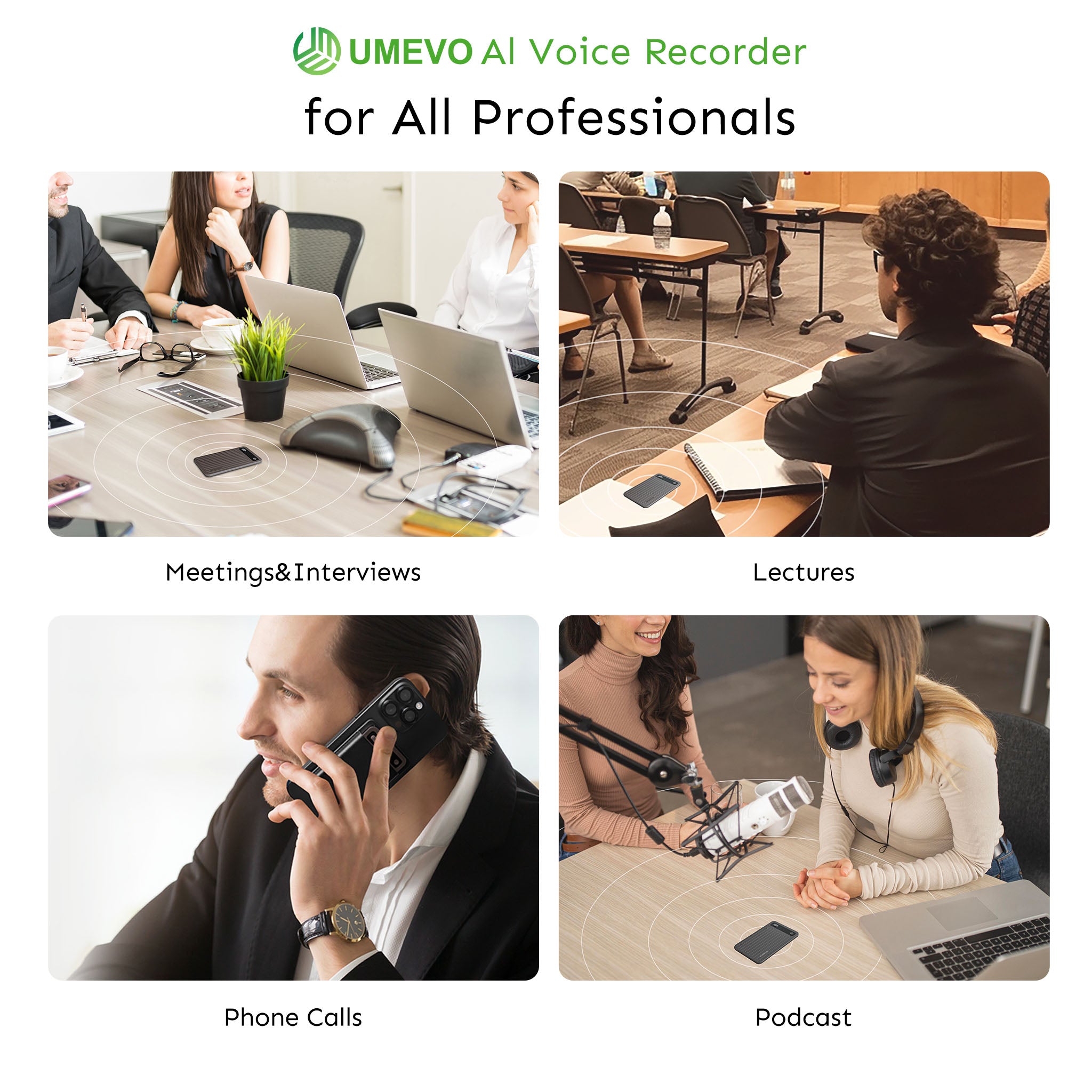
Hardware recorders utilize specific sensors for different environments. Use NOTE Mode to activate the external microphones for in-person lectures and study groups. Conversely, switch to CALL Mode when conducting phone-based research interviews. CALL Mode utilizes a piezoelectric vibration conduction sensor that captures audio directly through the phone chassis, bypassing software recording permissions entirely.
After Class: Generate the Transcript, Summary, and Mind Map
Once the lecture concludes, sync the hardware to its companion app. The ChatGPT-powered engine processes the audio to generate a verbatim transcript, a structured summary, and a visual mind map. The system supports transcription and translation in 140+ languages[2], providing a distinct advantage for international students or those studying foreign languages. Furthermore, speaker identification (diarization) separates dialogue during group study sessions or panel discussions.


Review and Export: From Study Aid to Exam Prep
Raw transcripts are rarely used for direct studying. Instead, students use the AI-generated summary for rapid review and the mind map for active recall exercises. The verbatim transcript serves as a searchable database to locate exact quotations or clarify missed concepts. Files export natively as TXT, DOCX, or PDF, allowing seamless integration into Notion, OneNote, or Google Docs.
What AI Transcription Really Costs for Students
Most AI transcription services require monthly subscriptions that cost students over $100 annually. Hardware recorders with bundled transcription plans offer a more cost-effective alternative by providing upfront unlimited access followed by generous free monthly allowances.
Year 1: The Max Plan Includes Unlimited AI Transcription
Subscription fatigue is a primary concern for college students. The UMEVO Note Plus addresses this by including one year of free unlimited AI transcription via its Max Plan. This structure removes the recurring paywall during a student's heaviest initial course load.
After Year 1: Free Minutes and Flexible Top-Ups
Following the first year, users transition to the Starter Plan, which provides 400 free transcription minutes per month[2]. If a student exceeds this allowance during finals week, they can purchase pay-as-you-go top-ups priced at $0.59 per 120 minutes. This modular pricing prevents long-term subscription lock-in.
How Dedicated Hardware Compares With Subscription-Based AI Note Apps
Software platforms like Otter.ai remain the industry standard for real-time collaborative enterprise meetings, and are an excellent choice for users who need live team editing and integration with Zoom or Microsoft Teams.
However, for students who prioritize budget and offline capture, recurring software fees become difficult to justify. According to 2026 pricing, Otter.ai Pro costs $16.99/month ($99.96/year billed annually; $13.59/month with an .edu student discount). Similarly, Notta Pro costs $13.49–$13.99/month ($97.99/year billed annually). A hardware device with a bundled transcription plan eliminates this $100–$200 annual expense.
Is the Free Tier Enough for a Typical Student Schedule?
A monthly allowance of 400 minutes equates to roughly six and a half hours of processed audio. For a student recording two to three highly technical lectures per week, the free tier is sufficient. Heavy users recording every class will need to utilize the $0.59 top-ups, but the total cost of ownership remains significantly lower than a $15/month SaaS subscription.
Legal and Classroom Recording Etiquette
Recording college lectures requires understanding both state consent laws and specific university academic policies. While state law dictates baseline legality, campus honor codes ultimately govern what is permitted in a classroom setting.
Know the Consent Law in Your State
Federal law and 38 U.S. states plus Washington D.C. follow one-party consent statutes for recording conversations. This means you can legally record a conversation if you are a participant. Conversely, 12 states enforce all-party (two-party) consent, requiring explicit permission from everyone being recorded.
Check Your University’s Recording Policy
State law does not override institutional policy. Universities enforce strict guidelines regarding academic integrity, copyright, and student privacy. For example, Penn State Administrative Policy AD40 explicitly prohibits students from recording classroom activity without the advance written permission of the course instructor[3], restricting approved recordings strictly to private personal study.
A Simple Classroom Recording Etiquette Checklist
To maintain academic integrity and respect professor boundaries, follow this protocol:
- Review the Syllabus: Check for explicit recording policies before the first class.
- Request Permission: Ask the professor directly, explaining that the recording is strictly for personal study and exam preparation.
- Offer Transparency: Offer to share your AI-generated transcripts or mind maps with the professor or classmates.
- Never Publish: Never upload lecture audio or transcripts to public forums, social media, or course-sharing websites.
Recording as a Disability Accommodation
Under the Americans with Disabilities Act (ADA), lecture recording is frequently approved as a reasonable accommodation. Students with documented disabilities should work directly through their campus disability services office to establish this accommodation officially, which legally bypasses standard syllabus restrictions.
Realistic Limitations and Practical Tips
AI transcription hardware is not flawless. Users must manage multi-speaker processing delays, reduced accuracy during phone call capture, and phonetic confusion when speakers rapidly switch languages.
Place the Device Correctly to Avoid Handling Noise
As noted earlier, the sensitive metal casing of slim recorders picks up micro-vibrations. If you hold the device in your hand, the resulting friction noise will degrade the audio file and lower transcription accuracy. Always utilize a MagSafe mount or place the device on a stable surface.
Be Careful With Speaker ID on Long Recordings
Multi-speaker identification (diarization) requires significant processing power. In visual stress tests, enabling Speaker ID on long or complex recordings caused severe processing delays exceeding 15 minutes, and occasionally caused the application to hang during re-transcription. For standard lectures with a single professor, leave Speaker ID disabled to ensure rapid processing.
Review Call Mode Transcripts Manually
While the chassis vibration sensor physically captures phone calls clearly for human ears, experts point out that automated AI transcription accuracy drops significantly in Call Mode. The engine occasionally misinterprets dialogue and scrambles speaker attributions due to the muffled nature of vibration-conduction audio. Use Call Mode to secure the audio record, but manually verify the transcript if you require exact quotations.
Spot-Check Technical Terms and Code-Switching
This device is not designed for users who need flawless real-time transcription of multi-lingual code-switching. Rapidly switching languages mid-sentence confuses the transcription engine, causing non-English words to be phonetically transcribed as English proper nouns. However, the AI-generated Summary and Mind Map tabs successfully synthesize the core meeting points and structural logic even when the raw transcript contains these phonetic errors.
Conclusion
A dedicated AI voice recorder functions as a reliable lecture capture system. It records offline without draining your smartphone, transcribes affordably without forcing a monthly subscription, and transforms raw audio into structured summaries and mind maps that support active studying. While it is not a substitute for attending class, it effectively eliminates the pressure to transcribe every word in real time.
If this workflow aligns with your academic needs, consult the 2026 review and setup guide to evaluate current plan terms and hardware specifications.
FAQ
Can a dedicated recorder capture lectures clearly in a noisy classroom?
Yes, provided you use NOTE Mode and place the device on a desk or attach it to your phone via MagSafe. Avoid hand-holding the device to prevent friction noise. The AI summary and mind map typically retain key concepts even if background noise causes minor errors in the raw transcript.
Does the transcription happen in real time or after recording?
Recording occurs locally on the hardware device. After class, you sync the audio file to the companion app, where the AI transcription, summary, and mind map generation take place via cloud processing.
Does the free AI transcription actually last a full year?
Yes. The UMEVO Note Plus Max Plan includes free unlimited AI transcription for the first year. After Year 1, the Starter Plan provides 400 free transcription minutes per month, with $0.59 top-ups available for additional 120-minute blocks.
Is it legal to record a college lecture?
In most U.S. states, one-party consent applies, but university policies and honor codes override baseline state laws in a classroom setting. Always check your syllabus, request the professor's permission, and restrict recordings strictly to personal study.
Can the AI translate a foreign-language lecture?
Yes. The system supports AI transcription and translation in 140+ languages, which benefits international students and foreign-language majors. However, always spot-check technical jargon and rapid code-switching for phonetic inaccuracies.
I Tested UMEVO Note Plus So You Don't Have To - AI LISTENING DEVICE
References
- UMEVO Note Plus User Manual — UMEVO
- Voice Transcription & Summary - UMEVO Note Plus - AI Voice Recorder — UMEVO
- AD40 Recording of Classroom Activities and Note-Taking Services — Pennsylvania State University





0 comments